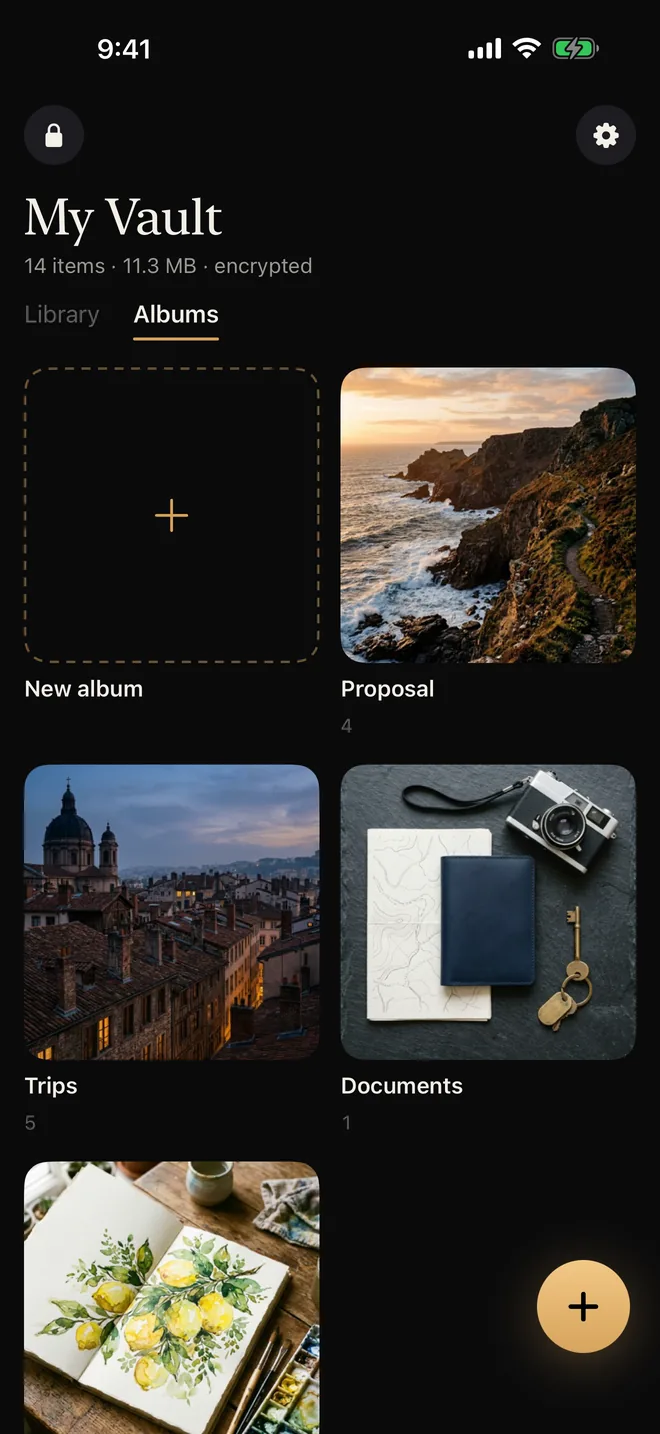
Nobody can count your vaults.
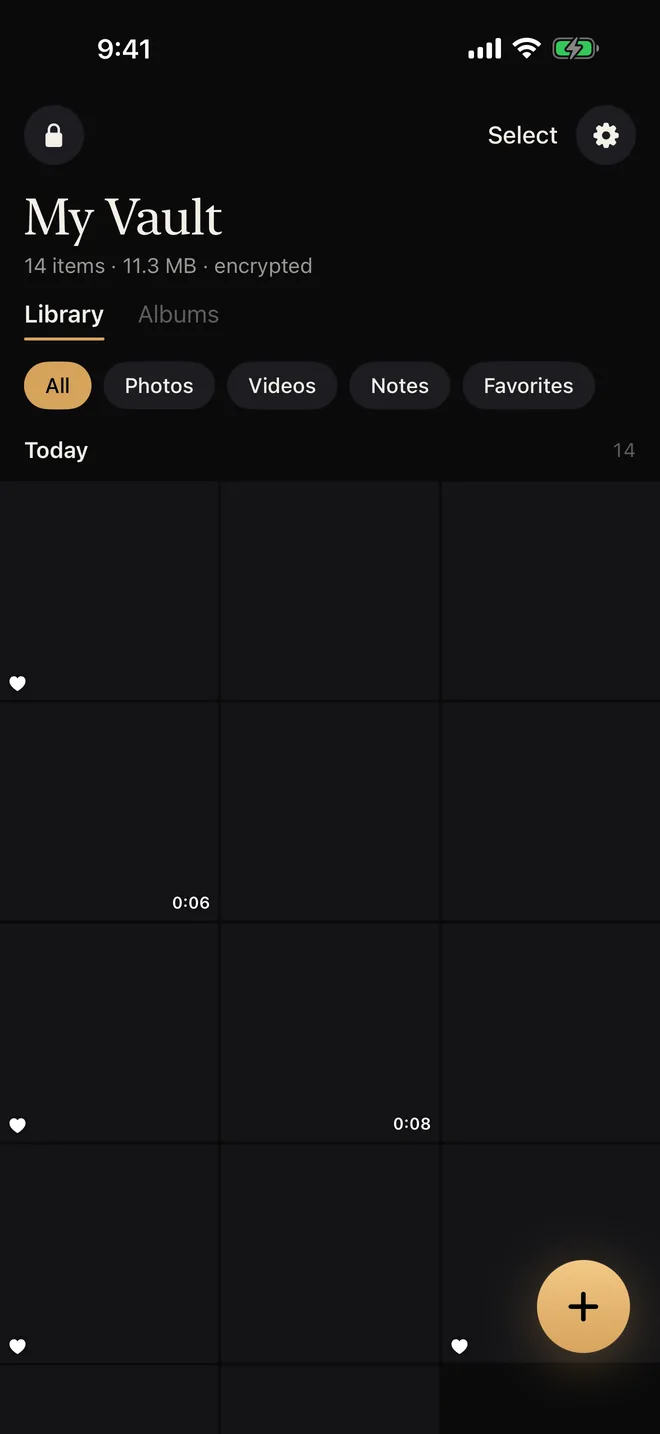
Each pattern opens its own vault, and the unlock screen never lists them. On disk, vaults are mixed with random decoys. With Pro, nothing on the phone keeps count, not even for us.
Anyone who knows your passcode can open it. Umbra locks your photos, videos, files and notes behind a pattern only you know, and keeps them encrypted on your phone.
Free to start. No account, no email, no analytics.
On a computer?Scan with your phone camera to install.
A locked folder tells people there’s something to find. Umbra gives them something to find instead.
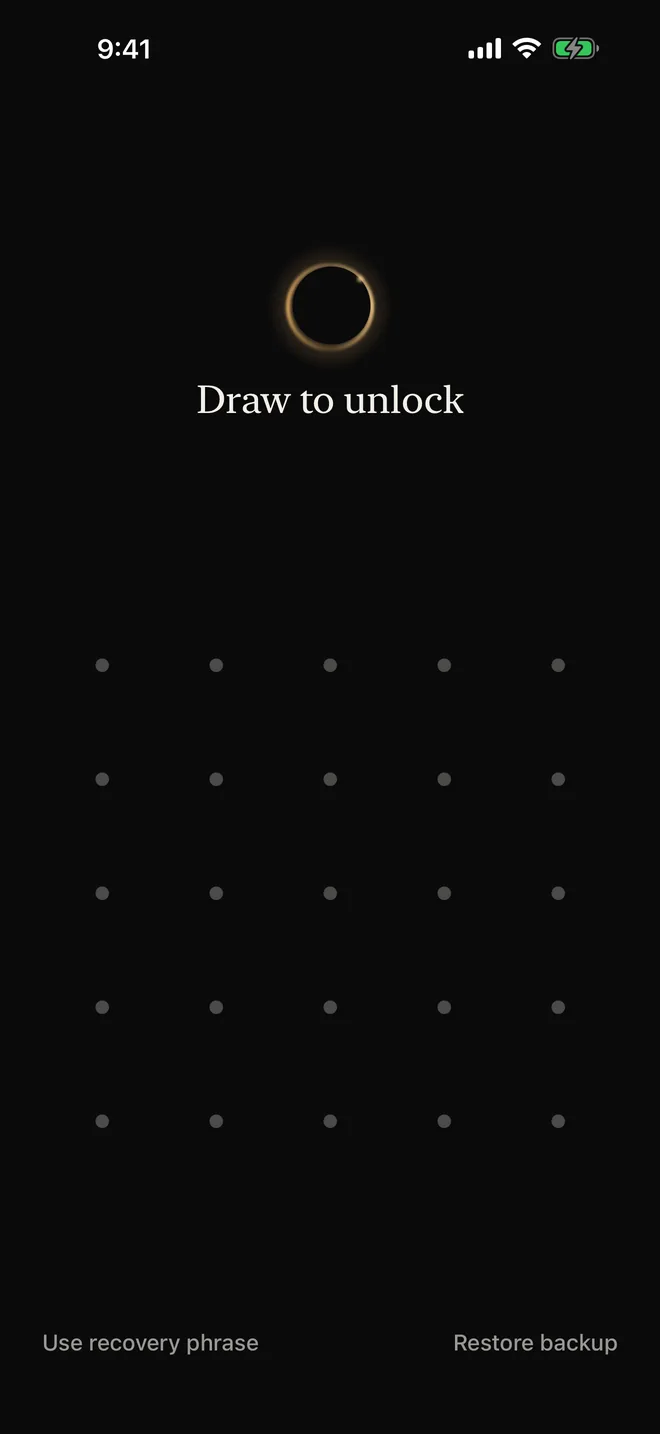
Umbra opens to an empty grid of dots. No vault list, no count, nothing to point at.
It looks like any other unlock. You set it up once, next to your real pattern.
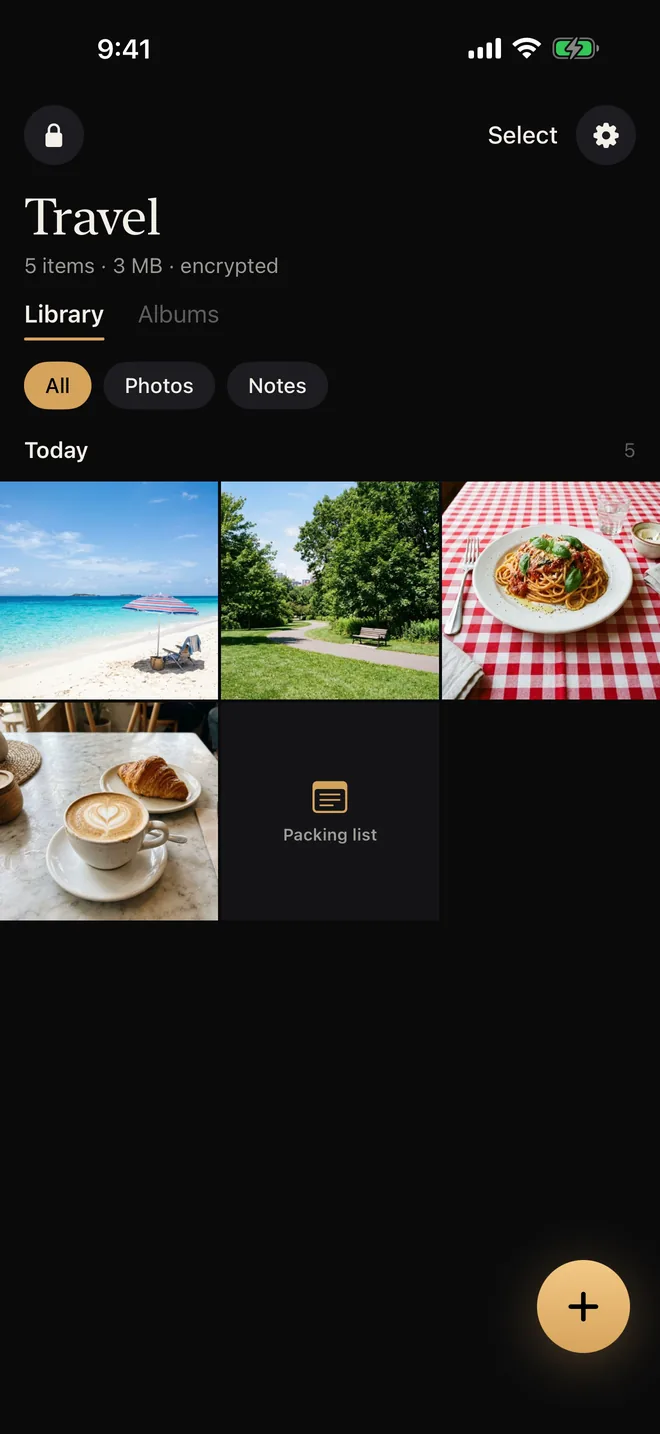
Holiday photos and a packing list. The way into your other vaults is quietly removed from the phone.
Your real vaults come back later with your recovery phrase. If you’d rather they were gone for good, you can tell the duress pattern to destroy them instead. The duress pattern is part of Umbra Pro.
Each pattern opens its own vault, and the unlock screen never lists them. On disk, vaults are mixed with random decoys. With Pro, nothing on the phone keeps count, not even for us.
So do screen recordings and mirroring. The app switcher shows a cover instead of your files, and Umbra locks the moment you leave it.
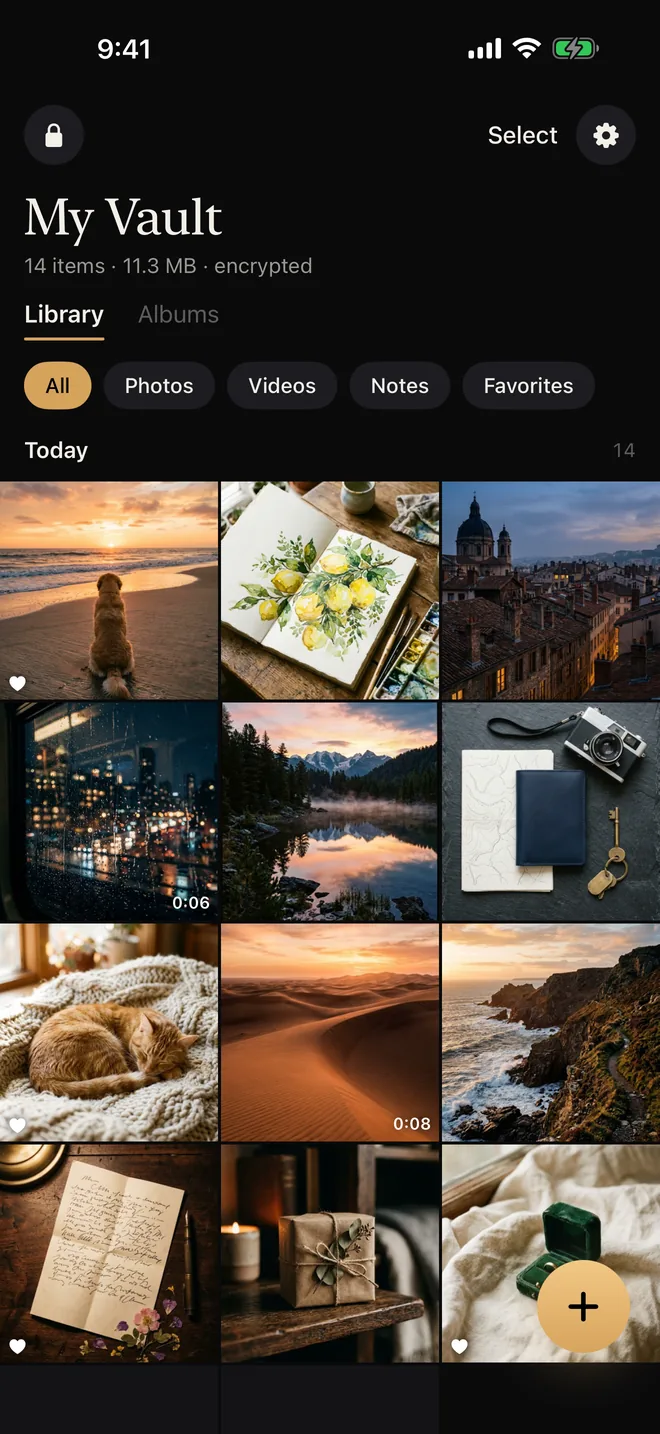
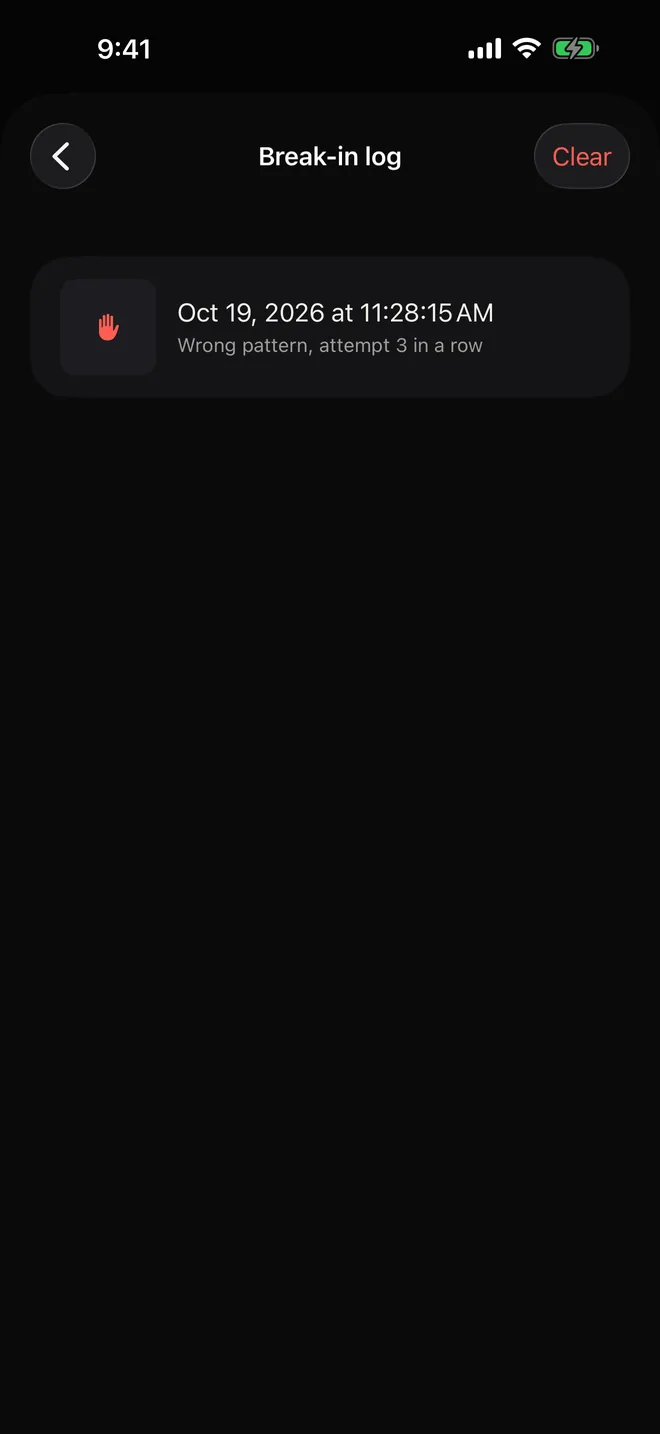
Every wrong pattern is logged and sealed so only your vault can read it. With Pro, Umbra also takes a silent photo with the front camera.
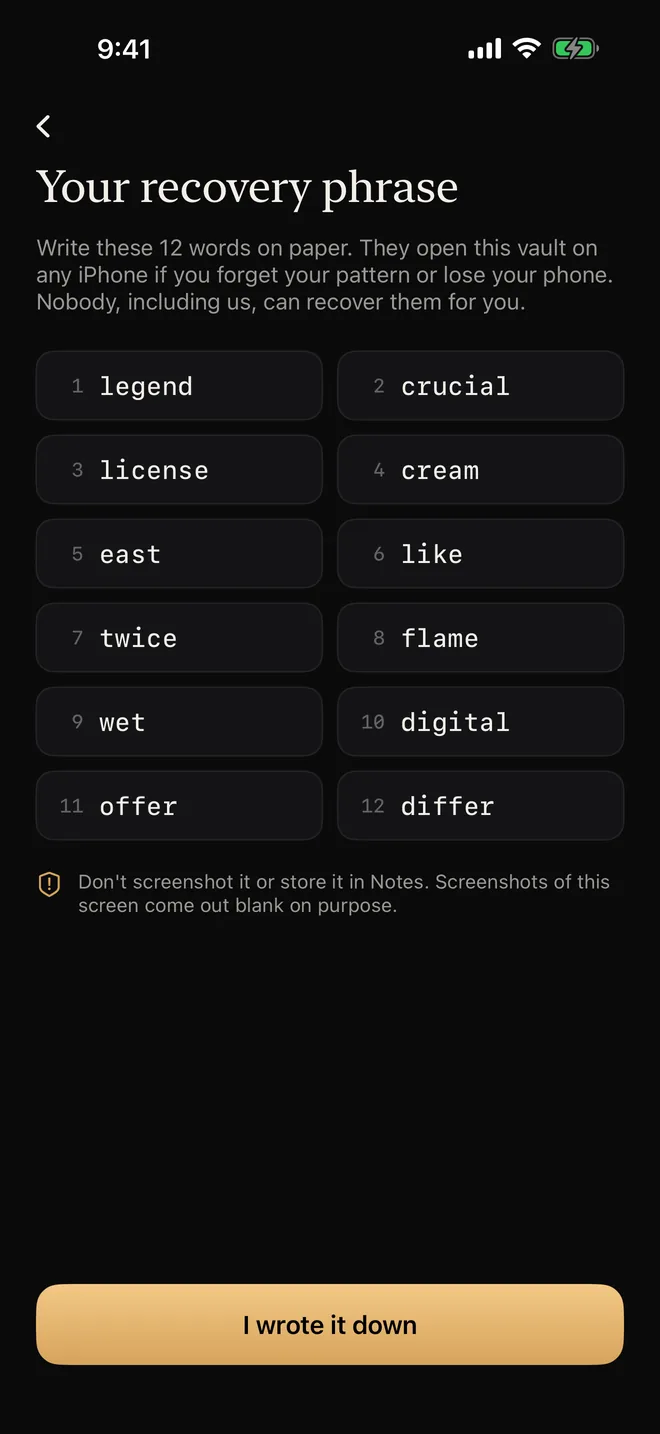
Your recovery phrase restores everything, on iPhone, iPad or Android, in either direction. On iPhone and iPad, backups also go to iCloud automatically, encrypted before they leave the device.
It isn’t a password checked against a server. Your phone turns it into the key that opens your vault, every time. Here is what that means in practice.
It hides photos from the grid. It doesn’t hide them from anyone who has your passcode.
| Hidden album | Umbra | |
|---|---|---|
| Opens with | Your phone’s passcode or Face ID | A pattern only you know |
| Encrypted with its own key | No | Yes, AES-256 |
| Decoy vault for when you’re forced | No | Yes, the duress pattern (Pro) |
| Separate hidden vaults | No | 3 free, unlimited with Pro |
| Share without handing over your phone | Shared albums are readable by anyone in them | Read-only, expiring, revocable (Pro) |
| Screenshots blocked | No | Yes |
| Logs wrong attempts | No | Yes |
| Notes and documents | Photos and videos only | Photos, videos, PDFs, scans and notes |
| Works on Android | No | Yes, and vaults move between them |
Encryption, hidden vaults and backups are free. Pro adds the cover stories: duress, sync, sharing and disguise icons. Weighing up other vault apps? See how Umbra compares.
Encryption, hidden vaults and backups are free. Pro removes the limits and adds duress, sync and sharing.
$0forever
$14.99a year, after 7 days free
Prices in US dollars. Your App Store or Google Play shows the price in your currency. Family plans are sold on the App Store.
On the unlock screen, tap Use recovery phrase and enter your 12 words, then draw a new pattern. If you lose both the pattern and the phrase, nobody can open the vault, including us. That’s the point.
No. Files are encrypted on your phone before they’re saved anywhere, and the key comes from your pattern. iCloud backups are encrypted the same way before they leave. We don’t run servers that hold your data.
No. There’s no sign-up, no email and no login. Open the app, draw a pattern, write down your 12 words.
It’s part of Umbra Pro. You give one vault a second pattern. Drawing it opens that vault and removes the way into every other vault from the phone. Your recovery phrase brings them back later, unless you chose to have the duress pattern destroy their data.
Up to 3 on the free plan, holding 100 photos and 10 videos between them, plus unlimited notes and documents. Pro removes every limit.
Yes. With Pro, the same vault opens on your iPhone and iPad and changes merge between them. You can also share a vault read-only with a one-time phrase, choose when it expires and how many times it opens, and revoke it whenever you want.
Photos, videos, documents and PDFs, scans from the built-in scanner, and notes. You can sort them into albums and mark favorites.
Yes, both ways. Export an encrypted backup file, open it in Umbra on the other phone and enter your recovery phrase. On iPhone, iCloud backup also restores with just your phrase.
No. Umbra has no analytics or advertising code. The only outside library handles purchases, and it never sees your vault.
Set it up in a minute. Draw a pattern, write down 12 words, and your photos are yours again.